Start with a photo.
Take a photo or upload an invoice PDF from your phone or computer.
Invoices and payments, organized
Snap an invoice, track what you’ve paid, and keep your records in one place.
14 days · Up to 25 invoices · No credit card required
For shop owners, property managers, and independent businesses.
See how it works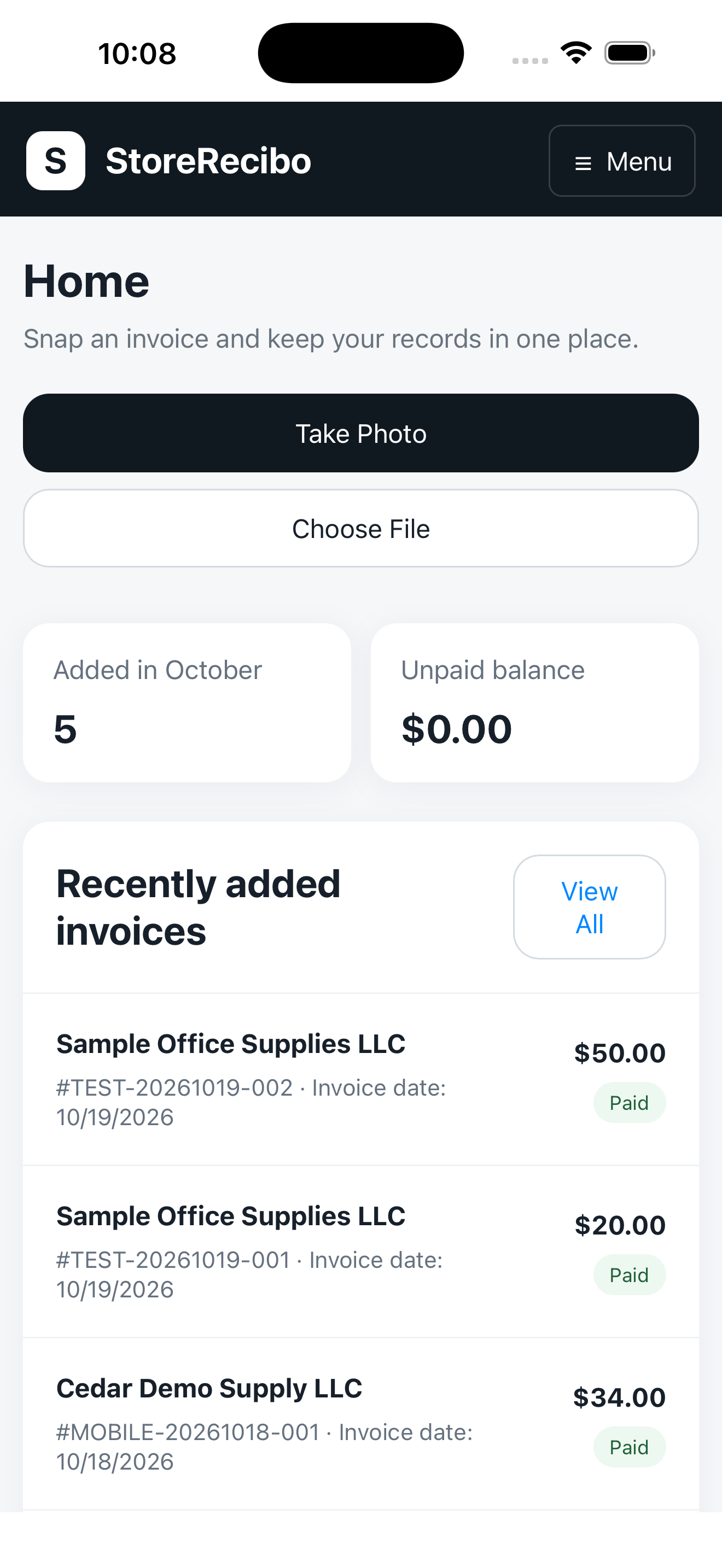
How it works
Take a photo or upload an invoice PDF from your phone or computer.
Review extracted information, correct details, and choose an invoice category.
Record full or partial payments and keep balances and payment history together.
AI-assisted capture
Extract supplier names, invoice dates, totals, and line items from photos and PDFs. Review the results before relying on them.
View or download the source document alongside its record.
Choose categories such as Grocery, Dairy, or Produce, then filter your invoice list.
Add due dates and enable in-app labels for overdue invoices and those due within seven days.
For your accountant
Download invoice and payment CSV files to open in Excel or share with your bookkeeper or tax professional.
Choose your date range
Selected by invoice date, with totals, categories, current amounts paid, and balances due.
Selected by payment date, including payments made on older invoices.
StoreRecibo Basic
One owner. One business location.
A simpler way to keep records in order.
$19 USD / month
Try free for 14 days, with up to 25 invoices.
After your trial, choose a subscription to keep adding invoices and payments.
A few helpful answers
Your trial lasts 14 days and includes up to 25 invoices. You will not be charged automatically when it ends. Saved invoices remain available to view and download. An active subscription is required to add invoices and record new payments. Basic costs $19 USD per month.
Choose a date range and download separate invoice and payment CSV files. Invoice reports use invoice dates; payment reports use payment dates, including payments on older invoices. You send the downloaded files yourself; reports are not emailed automatically.
Basic includes one owner and one business location. Contact support about additional locations and team account options.